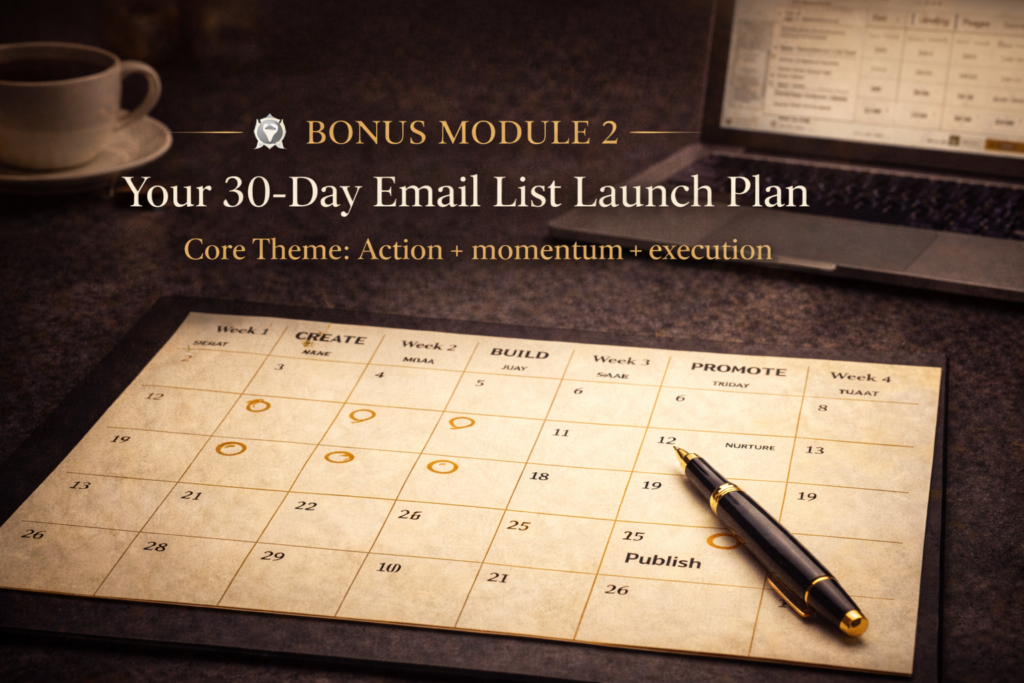
30-Day Email List Launch Tracker
Bonus Module 2: Your Action Plan from Zero to Launched
Your 30-day commitment to building your email list.
Check off each task as you complete it. Add notes about what worked, what you learned, and what needs adjustment. Your progress auto-saves, so you can come back anytime.
0
Tasks Completed
0
Days Complete
0%
Overall Progress
0%
Week 1: Create Your Lead Magnet
Day 1: Choose Your Lead Magnet Type
Review Lesson 3. Choose ONE lead magnet type. Write down the specific problem it solves.
Day 2: Outline Your Lead Magnet Content
Create a simple outline. Identify 3-5 key points/steps/sections.
Day 3: Create Your Lead Magnet
Write or design your lead magnet. Use Canva, Google Docs, or your preferred tool. 80% done is enough to move forwards.
Day 4: Finalise and Export
Review, check for typos, export as PDF, test the download link.
Day 5: Write Title and Description
Write a compelling title and 2-3 sentence description. Identify 3-5 key benefits.
Day 6-7: Rest and Review
Take a break. Come back with fresh eyes on Day 7. Make final tweaks.
Week 2: Build Your Landing Page & Welcome Sequence
Day 8: Choose Your Email Platform
Research platforms (Flodesk, ConvertKit, MailerLite, ActiveCampaign). Sign up for account.
Day 9: Upload Your Lead Magnet
Upload PDF to your platform or hosting service. Get the download link. Test it.
Day 10: Create Your Landing Page
Write headline (clear benefit), add 2-3 sentences, include opt-in form, add CTA button.
Day 11: Design Your Landing Page
Add image/graphic, choose brand colours, ensure mobile-friendly, check readability.
Day 12: Write Your Welcome Email
Use Template 1 from Bonus Module 1. Customise to your voice. Include download link.
Day 13: Set Up Email Automation
Create automation to send welcome email immediately. Test by subscribing yourself.
Day 14: Rest and Prepare
Review everything. Make list of where you'll promote. Rest and recharge.
Week 3: Promote Your Offer
Day 15: Publish Your Landing Page
Go live! Get the URL. Test one final time. Celebrate!
Day 16: Add to Your Website
Add opt-in form to homepage. Create pop-up (optional). Add link to email signature.
Day 17: Create Social Media Graphics
Design 3-5 graphics promoting your lead magnet. Use Canva templates.
Day 18: Social Promotion Day 1
Announcement post. Share link in bio/stories. Engage with comments.
Day 19: Social Promotion Day 2
Behind-the-scenes or story post. Personal invitation in DMs if appropriate.
Day 20: Social Promotion Day 3
Benefit-focused post. Highlight what they'll get.
Day 21: Social Promotion Day 4
Testimonial or result post (if available).
Week 4: Nurture & Grow
Day 22: Send First Value Email
Use Template 2. Share one valuable insight. No selling, just serving.
Day 23: Engage with Subscribers
Respond personally to everyone who replies. Note common questions/themes.
Day 24: Plan Your Email Calendar
Decide frequency (weekly recommended). Block time. Brainstorm 5-10 topics for next 2 months.
Day 25: Send Second Value Email
Use different format. Include question to encourage replies.
Day 26: Analyse Your Data
Check analytics. Note open rates, click rates, unsubscribe rate. Identify what's working.
Day 27: Optimise Based on Data
Adjust subject lines if opens are low. Improve CTAs if clicks are low. Refine messaging if unsubscribes are high.
Day 28: Create Referral Incentive (Optional)
Offer something valuable for referrals. Create simple referral message.
Day 29: Send Third Value Email
Continue weekly rhythm. Include referral incentive if you created one.
Day 30: Celebrate & Plan Next Steps
Review your progress. Celebrate your subscriber count. Plan next 30 days of content and promotion.